Guide To CA Anti-Virus
The
guide was written by: Hermon
Introduction:
Today
it's important to protect the pc from threats
Anti-virus
can help protect it
The
program is given for trial period
The
article refers to 2007 edition
-
Download:
INSTALL
Run
the setup file
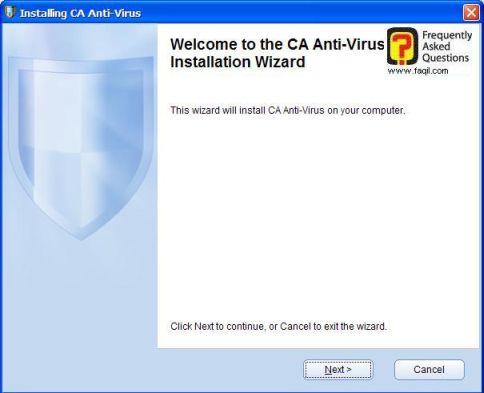
Welcome
screen, press next
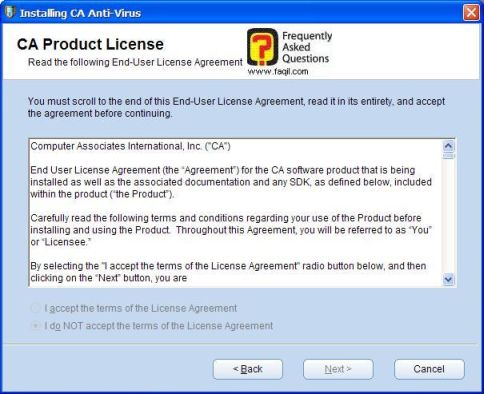
License
Agreement, read all scroll down the then mark I accept and click next
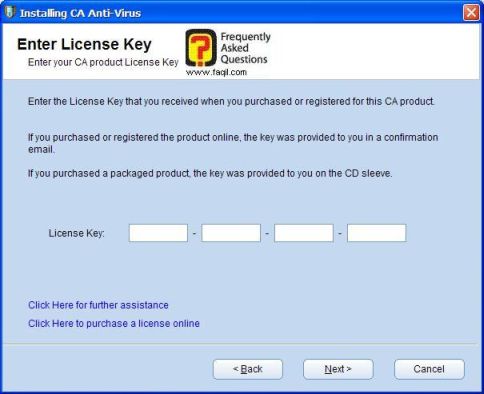
You
now need to enter your key if you have purchased the program, if you don't have
key leave it blank , press next to continue
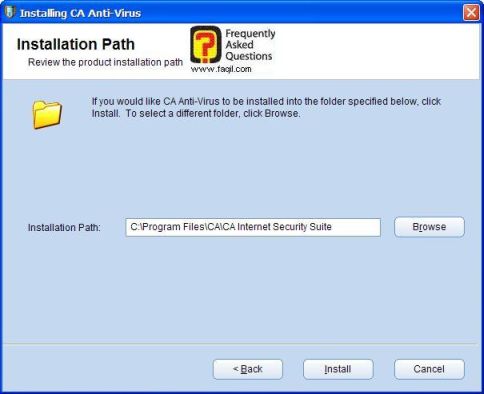
Choose
the desired install location and click next
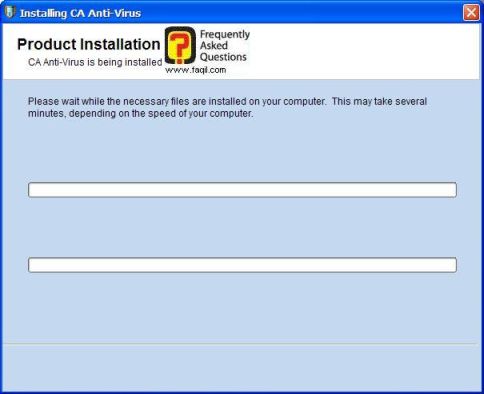
The
install starts, wait patiently till it ends.
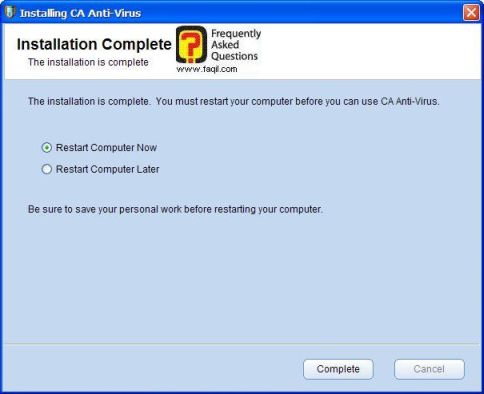
The
install ends.
If
you want to restart your pc now, mark it
If
you want to restart it later, mark it
Click
complete.
To up
Usage
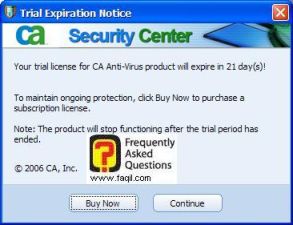
After
the restart, we will mark continue if we have trial version
We
will get the next screen the only option available in trial mode is ca anti-virus,
click on it
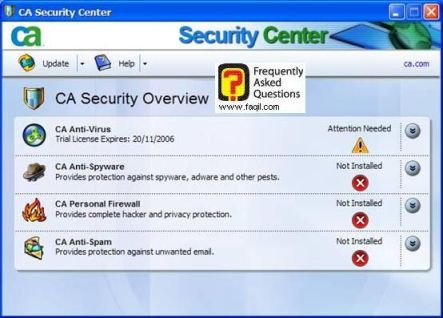
Now
choose Open Advanced Settings
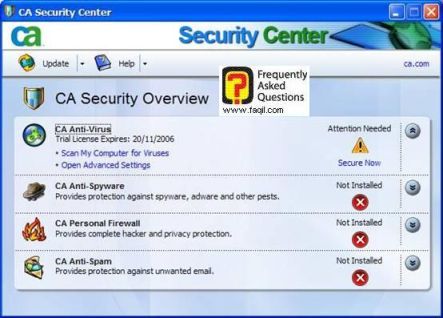
The
program is already configured so need to configure it
No
need to update to program, its update automatically
If
it's not updates, click on update
You
have 2 options for scanning your pc using the program:
Scan
My Computer for Viruses
Select
and Folders to Scan
We
will select the first option
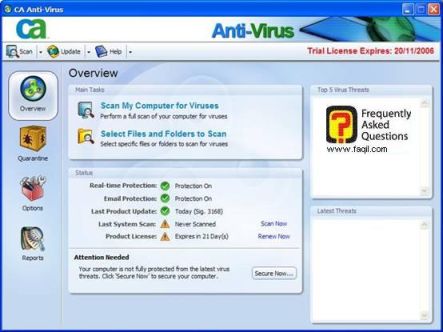
The
scan started:
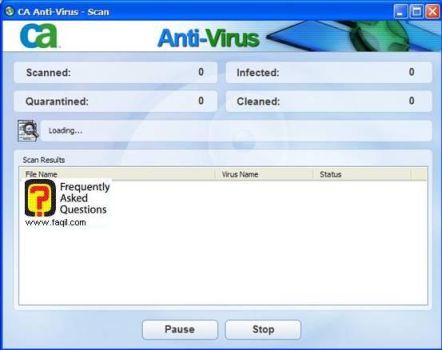
The
scan ends, if a threat has found, you will be informed.
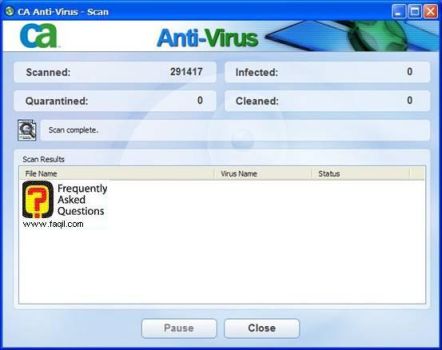
Also,
you can define and select the action – delete, delete all, restore
In
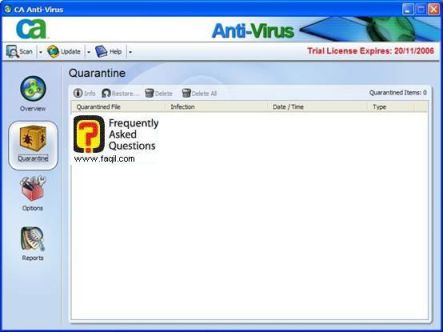
quarantine tab in main window of the program you can view quarantine files and
choose action for them.
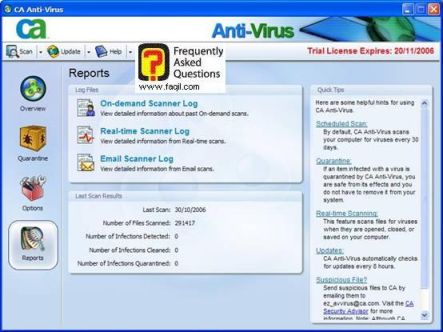
Reports
Tab –
Here you will see all the program
reports